
Applications
MyQRLWallet Desktop
Hardened Electron desktop wallet for QRL 2.0 on Windows and Linux. Keys live only in an isolated signer process, with a native unlock window, lock, and wipe, and dApp connectivity over QRL Connect.
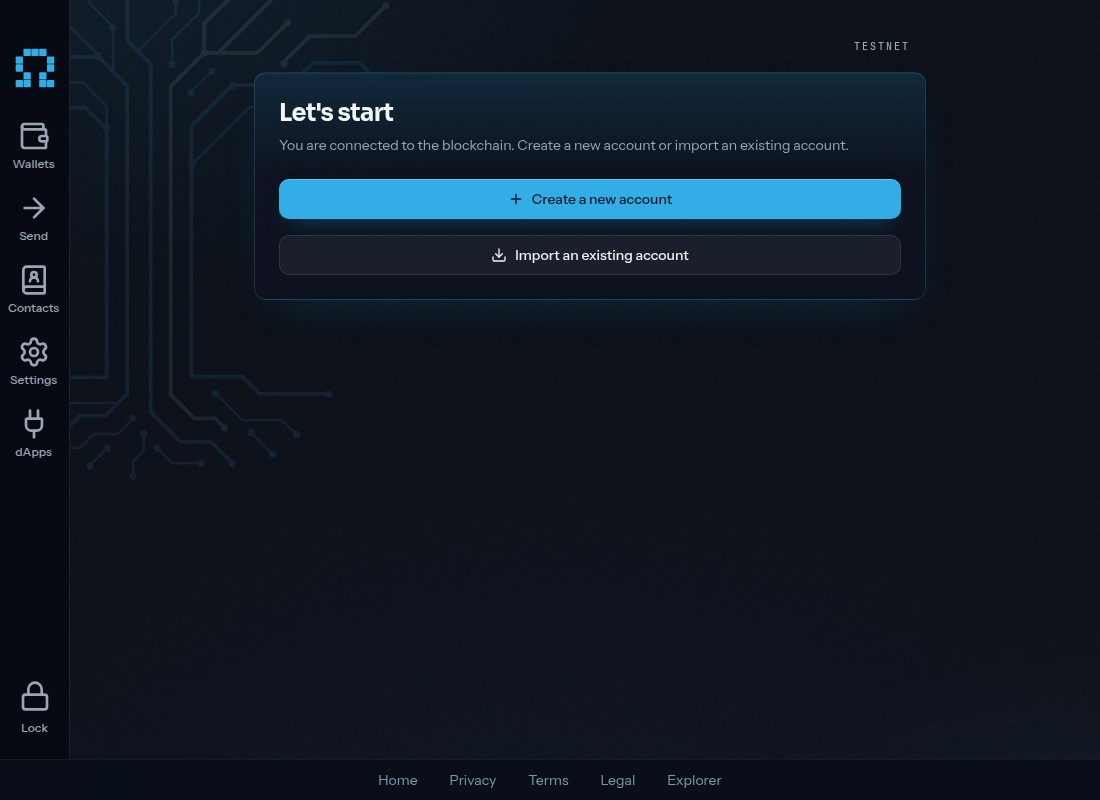
Overview
MyQRLWallet Desktop packages the MyQRLWallet web wallet as a hardened Electron application. The renderer never holds a seed: an isolated signer utility process is the sole key holder, the main process brokers requests, and the renderer runs with context isolation under a strict CSP. A native unlock window gates access, Lock clears the signer, and Remove wallet wipes local state after a trusted confirmation. The threat model and invariants are documented in the repository.
The application talks to the QRL 2.0 testnet through the same RPC proxy as the web wallet and connects to dApps over the QRL Connect relay protocol. Releases for Windows and Linux are published on GitHub; the binaries are not code-signed, so operating systems show an unknown-publisher warning.
What it provides
Features
- Four-process Electron design where an isolated signer utility process is the only holder of key material
- Native unlock window, Lock, and a trusted-confirm Remove wallet that wipes the device
- Same wallet UI as the web wallet, built from the open-source frontend at release time
- dApp connectivity through the QRL Connect relay protocol (ML-KEM-768 + AES-256-GCM, ML-DSA-87 signing)
- Windows and Linux builds published on GitHub releases (binaries are unsigned)
Access points
Clients
- DesktopDefault
Faceted classification
Categories & capabilities
Available on
Source provenance
Repositories
- ClientMIT
Project history
Relationships & names
- Part Of myqrlwallet