Homepage / ecosystem index
A clearer view of
what’s being built
on QRL.
Projects and tools across QRL 1.x + 2.0.
Explore the ecosystem
Design review / social sharing
A page-first family of previews for the QRL Ecosystem Index — designed to make a shared URL legible before the surrounding post does.
Design decision
Recommended direction
Each card leads with the page’s job — discovery, onboarding, project evaluation, or collection browsing — and keeps QRL Ecosystem provenance as the supporting third read.
Current baseline
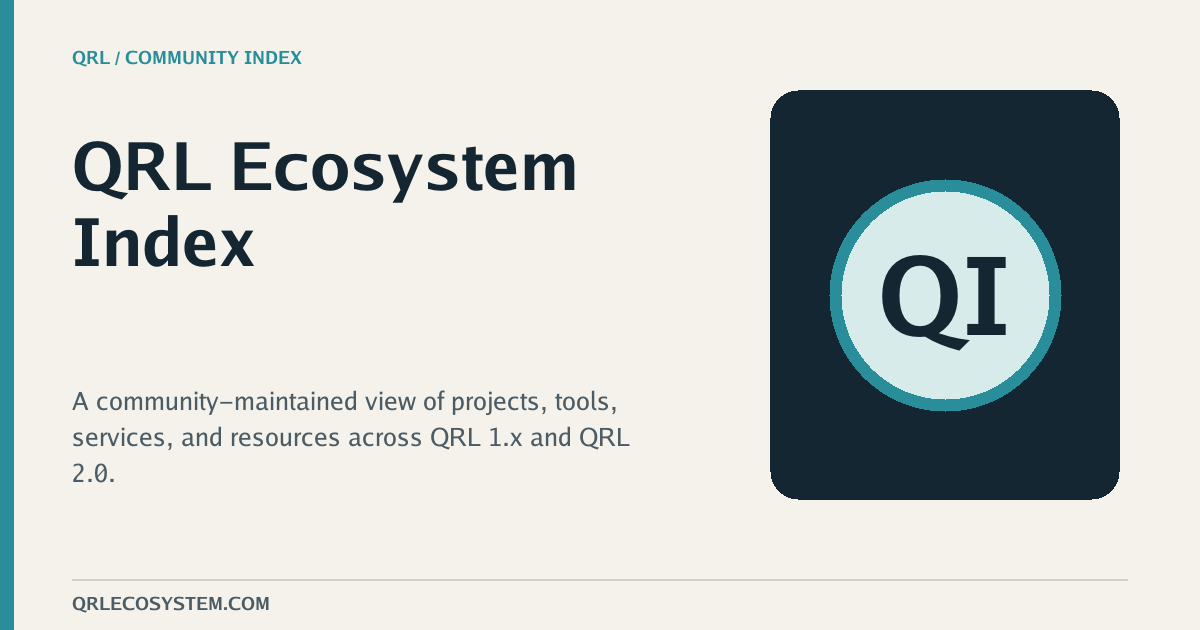
Both are 1200 × 630 PNGs generated outside the Hugo templates.


Diagnosis. The default card says “QRL Ecosystem Index” but not what the shared page helps someone do. Getting Started therefore looks like another directory page, and a collection page loses its browse-by-facet meaning. Project cards are closer: the name and screenshot lead, but they need a condensed descriptor and a small, deliberate set of QRL context badges.
Archetype 01 / homepage
The proposition should do more work than the word “index.”
Archetype 02 / Getting Started
This is a path, not another index view.
Archetype 03 / project page
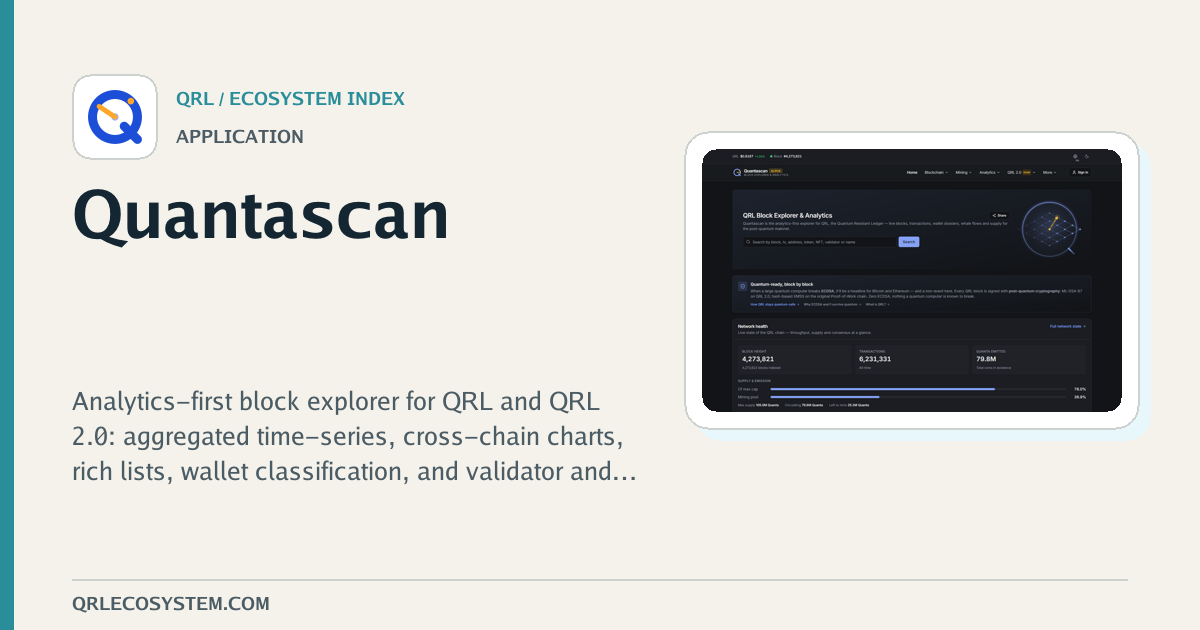
Answer “what is this?” before “who lists it?”
Project / Application
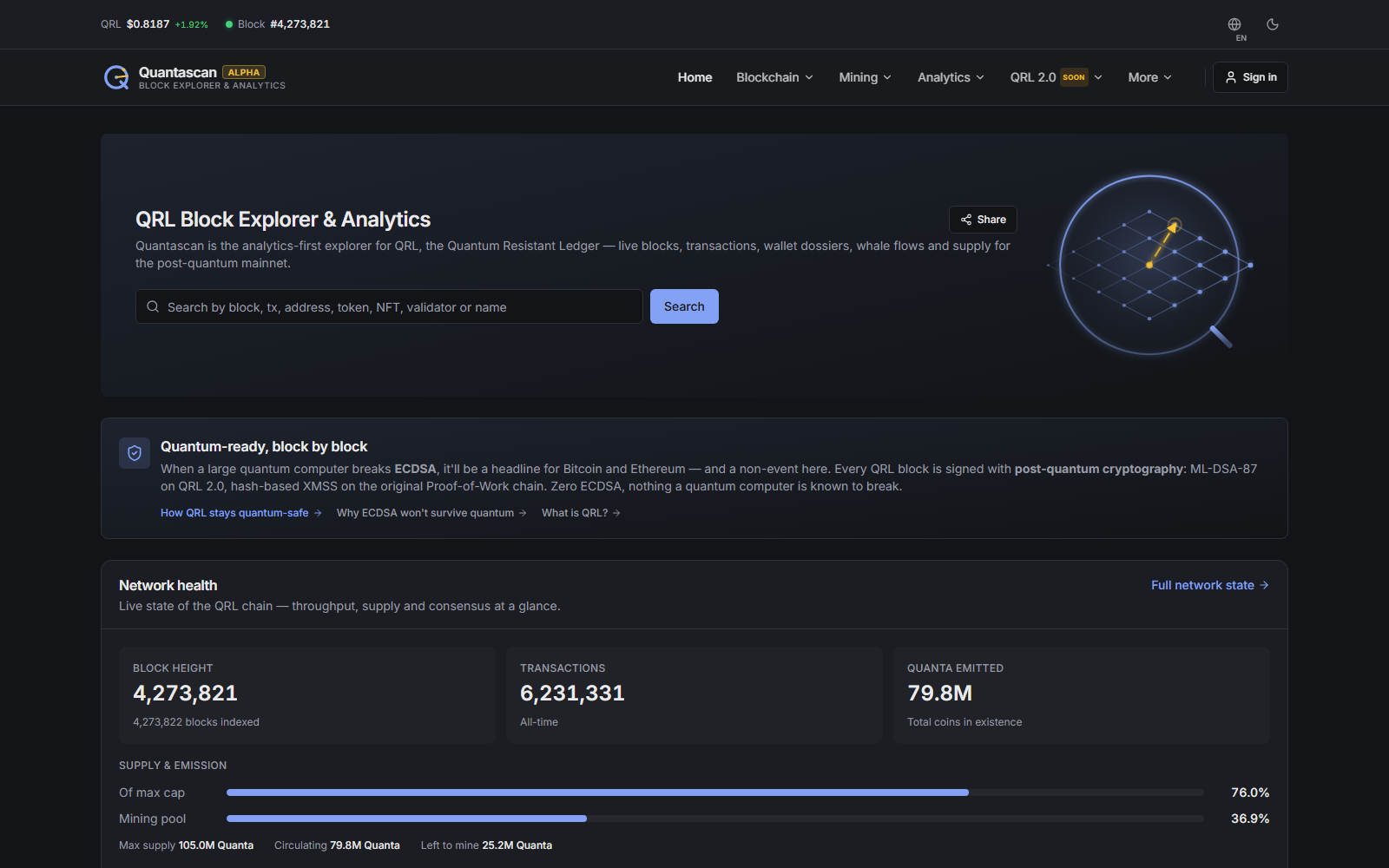
Analytics-first block explorer
Network-wide data for QRL 1.x + QRL 2.0.

Archetype 04 / category or collection
Translate the collection’s organizing idea into a useful promise.
Collection / Developer experience
Build, test, deploy, and integrate QRL software.
Thumbnail check
The cards keep one strong message, one supporting cue, and a quiet provenance line as they shrink.
Homepage / ecosystem index
Projects and tools across QRL 1.x + 2.0.
Explore the ecosystem
Getting started / QRL 2.0 Testnet V2
A path from node to wallet-connected dApp.
Developer path
Run → fund → deploy → connect
Homepage / ecosystem index
Projects and tools across QRL 1.x + 2.0.
Explore the ecosystem
Getting started / QRL 2.0 Testnet V2
A path from node to wallet-connected dApp.
Developer path
Run → fund → deploy → connect
Project / Application
Analytics-first block explorer
Network-wide data for QRL 1.x + QRL 2.0.

Collection / Developer experience
Build, test, deploy, and integrate QRL software.
System rules
01
Use Inter for the headline at a tight display size; use DM Sans for the supporting line; use IBM Plex Mono only for small labels and structured metadata.
02
Keep primary copy inside roughly 80 px left/right and 60 px top/bottom on the 1200 × 630 canvas. Treat the outer edge as breathing room, not a content rail.
03
Place the QRL Ecosystem wordmark once in the footer or upper-right. Keep the domain quiet. Provenance supports the page; it does not compete with it.
04
Write a card title for scanning, not for metadata parity. Prefer one proposition or role plus one explanatory sentence; avoid full-page descriptions and visible ellipses.
05
Use a small, consistent kicker: Homepage / ecosystem index; Getting started / QRL 2.0; Project / application; Collection / developer experience.
06
Use the first strong gallery image as evidence, cropped to a calm panel with a restrained frame. Never let a screenshot carry the page title.
07
If no screenshot exists, use a quiet surface with the project’s logo or initials and a category accent. Keep it intentional; do not show an empty image frame.
08
Show no more than three badges. Prefer the one or two QRL generations plus one practical context such as Web, Testnet, or Source available.
09
Derive a concise social summary from existing page and project data. If a project title exceeds two lines, reduce title size once; never compress body copy until it becomes unreadable.
Production handoff
social-meta.html to resolve a page-type data object and set matching title/description/image fields for both OG and Twitter.